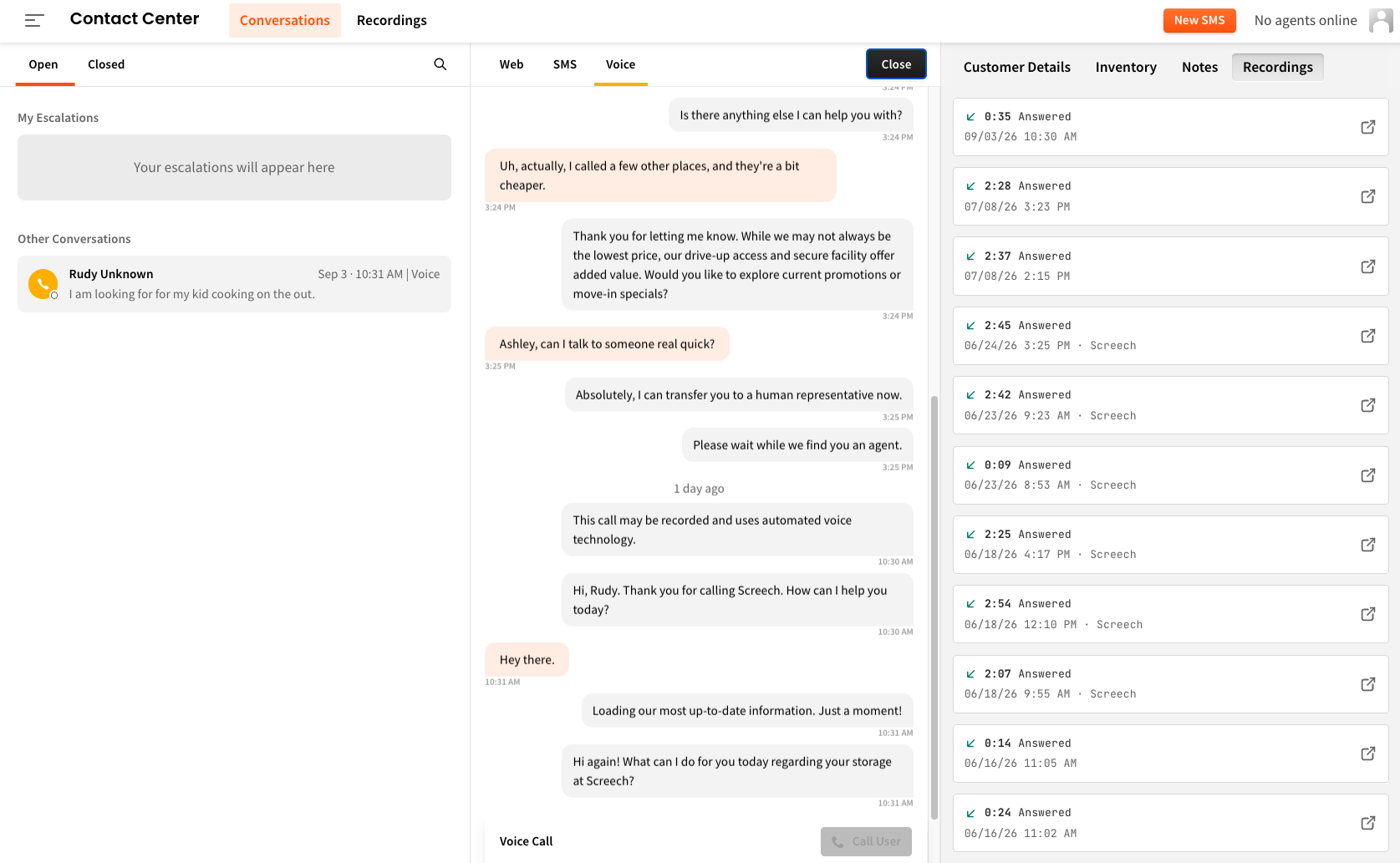
The Conversations page now has a Recordings tab alongside Customer Details, Inventory, and Notes. Every call recording tied to that caller is right there, with duration, date, and location shown at a glance. Click to open any recording without ever leaving the conversation.
👉 Open any conversation in Contact Center, select a caller, and look for the Recordings tab on the right.
Not collecting reviews through swivl yet? Add a button to your QR codes and start capturing tenant feedback before it ever hits Google. Learn how to get set up.
When a tenant submits a review through your spot form, swivl can now send an email notification to the email addresses you configure. Set a rating threshold and you'll only be alerted when a review falls below your chosen score - so your team can follow up before the tenant takes it elsewhere.
👉 Head to Cortex > spot > Review to add your notification emails and set your rating threshold.
.png)
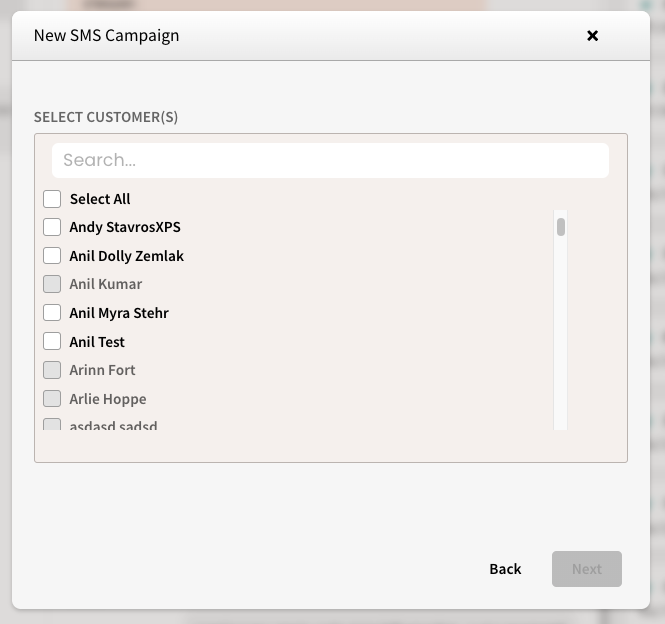
If you previously noticed that all of your tenants were greyed out in SMS Campaigns, that's no longer an issue. SSM Cloud operators can now send one-off SMS blasts and spot.is payment links to their tenants just like any other FMS.
👉 Head to Conversations > New SMS to get started.
We're heading to the SSA (Self Storage Association) conference in Las Vegas next week and have a lot to show you. Stop by booth 1230 for a live look at what's coming next for swivl - a significant upgrade to the platform across nearly every surface. Every piece of what you'll see below is built around the same idea: the AI handles what it can, and your team gets everything they need to handle the rest.
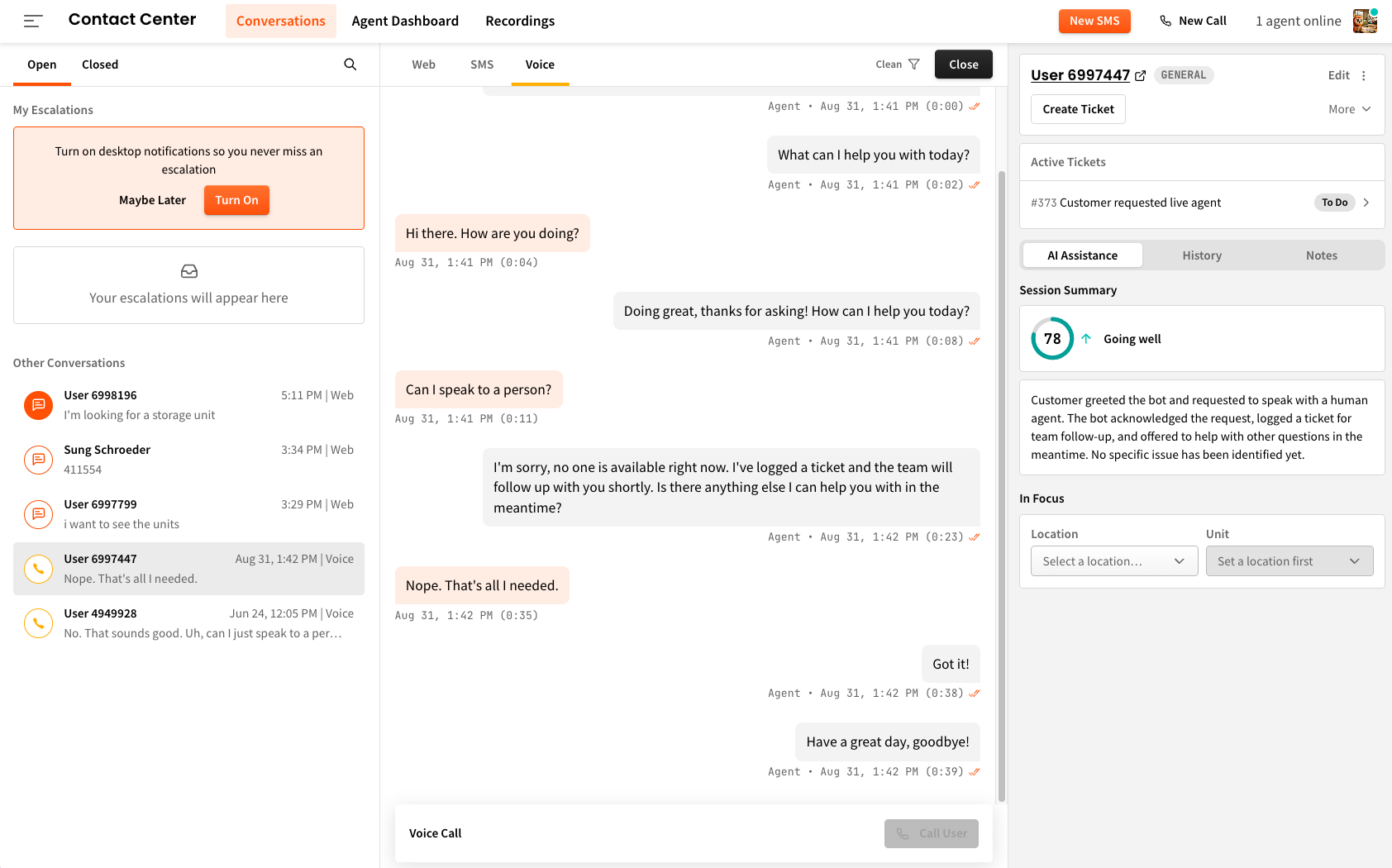
A completely reimagined home base for your team. Every conversation happening across voice, SMS, and web lives in one view - active, closed, and everything in between. Your team can take over any conversation mid-stream, send a payment link, look up inventory, or create a ticket without ever leaving the screen. When a tenant needs a human, your team is ready. When they don't, the AI keeps going.
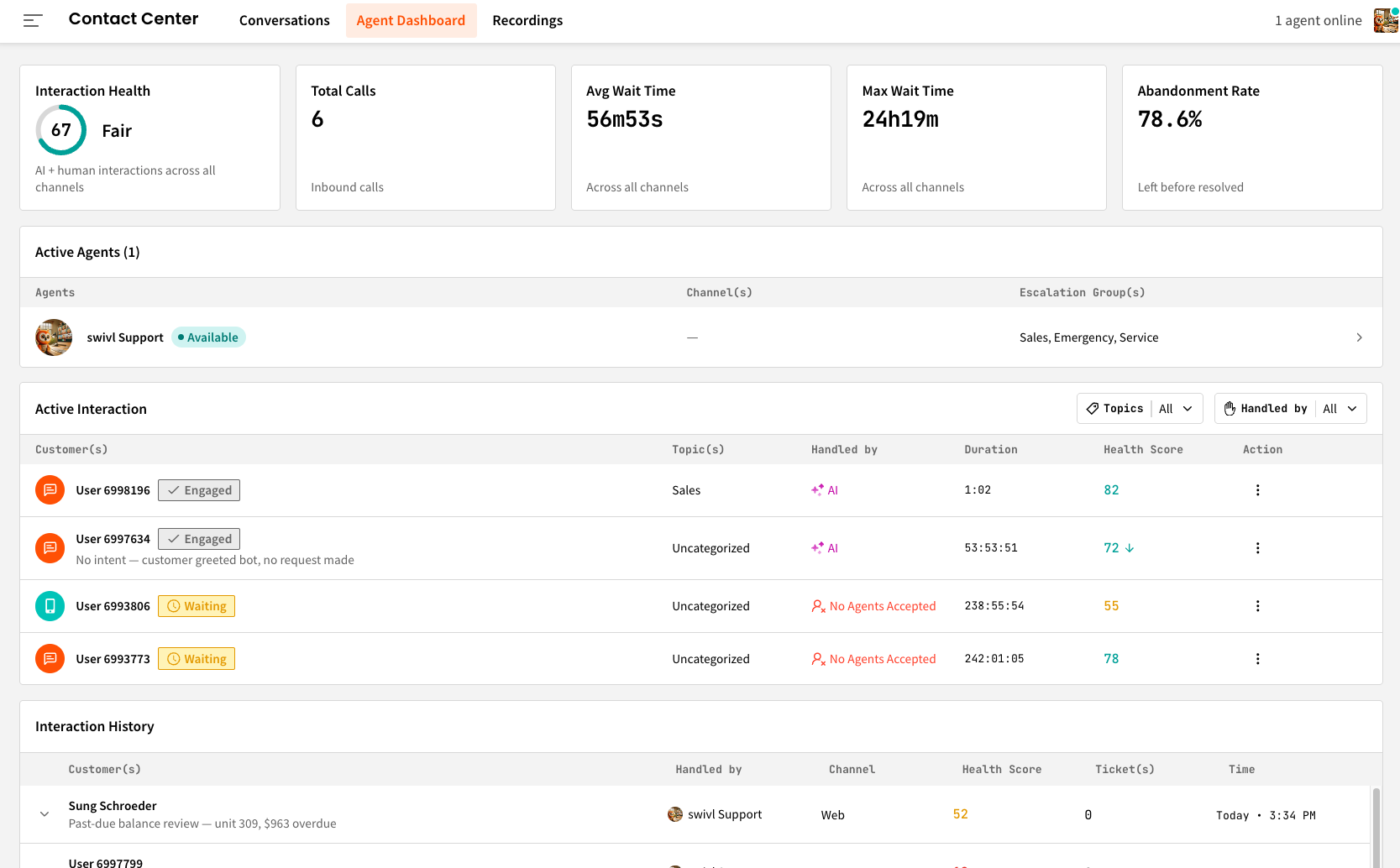
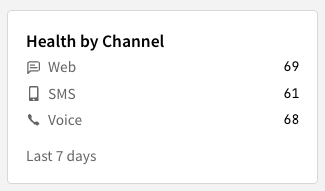
Built for the manager who needs to know what's happening on the floor right now without having to ask. See who's online, who's on an active conversation, who's idle, and who's unavailable - with a live breakdown of call volume, average wait time, and abandonment rate across every channel. Click into any team member to see their active conversations, review their session metrics for the day, or reassign a conversation to someone else. No spreadsheets, no phone calls to check in.
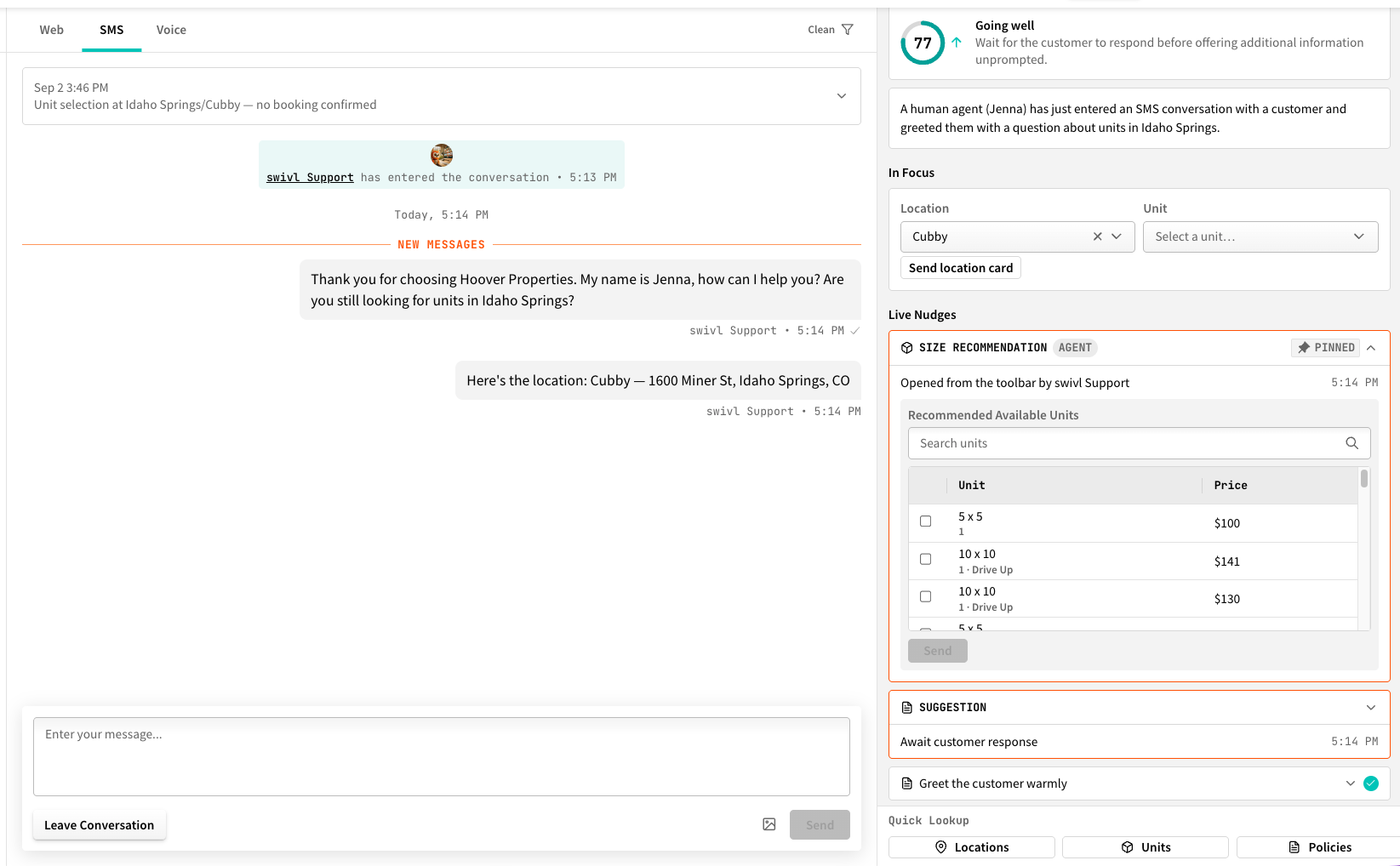
When a live agent takes over a conversation, a real-time coaching panel opens alongside it. As the conversation unfolds, swivl surfaces relevant policy information, unit recommendations, and suggested responses - so your team isn't fumbling for answers mid-call. If a tenant asks about your move-out policy, the answer is already there. If they want to browse a specific unit, the agent can pull it up and send it with one click. Think of it as giving every person on your team a subject matter expert sitting next to them on every conversation.
A smarter, more capable Voice agent built to handle the full range of what tenants call about - from finding a unit and making a reservation, to pulling up a gate code, sending a payment link, or filing a complaint. The agent remembers returning callers by name, handles multi-location lookups, compares units across facilities, and knows when to create a ticket and when to escalate to a human. Call 737-299-7889 to hear it yourself.
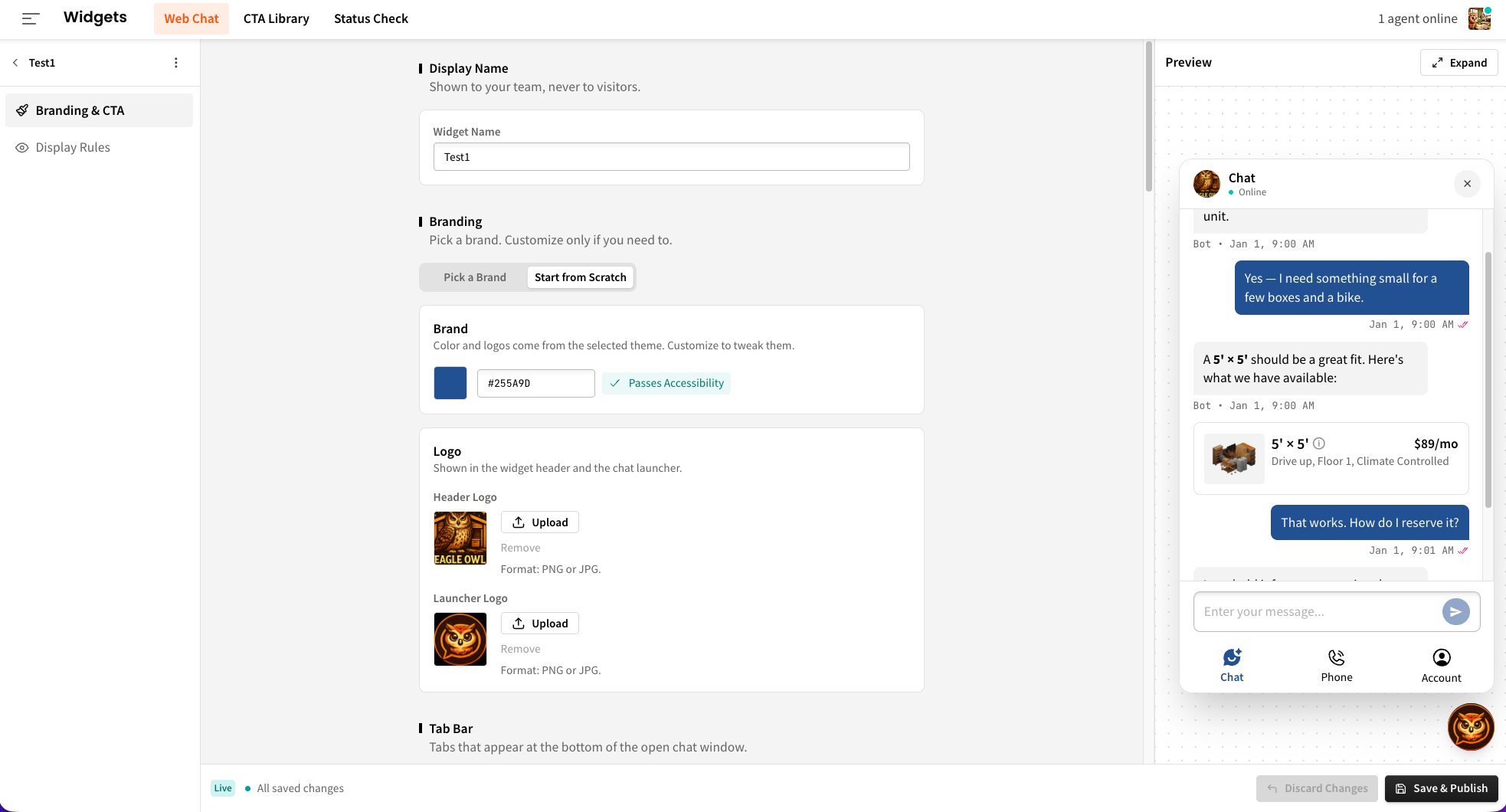
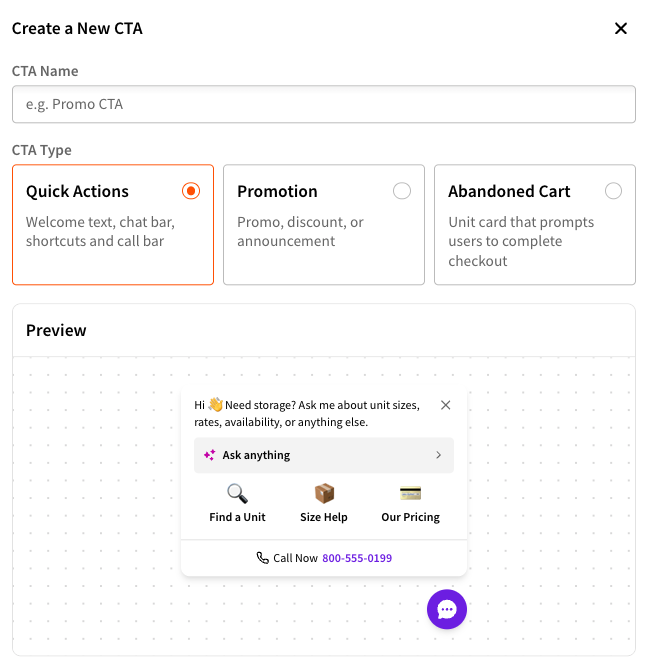
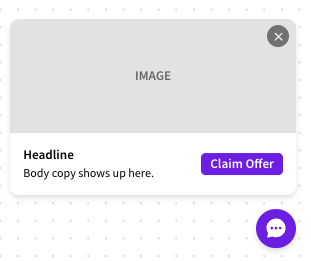
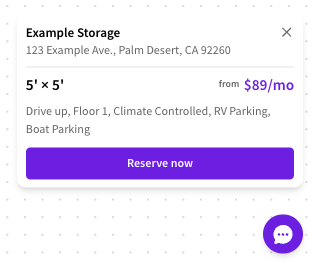
A completely redesigned chat experience for your website visitors. The new swivl widget comes with self-serve branding controls so you can match it to your facility's look without any engineering work - logo, colors, launcher position, and tab configuration all adjustable from within swivl. Layer on custom CTAs (quick action buttons, promotions, or abandoned cart nudges), set audience targeting rules to show different things to prospects vs. returning tenants, and publish without touching a line of code. Go to https://swivlstorage.com to experience it now!
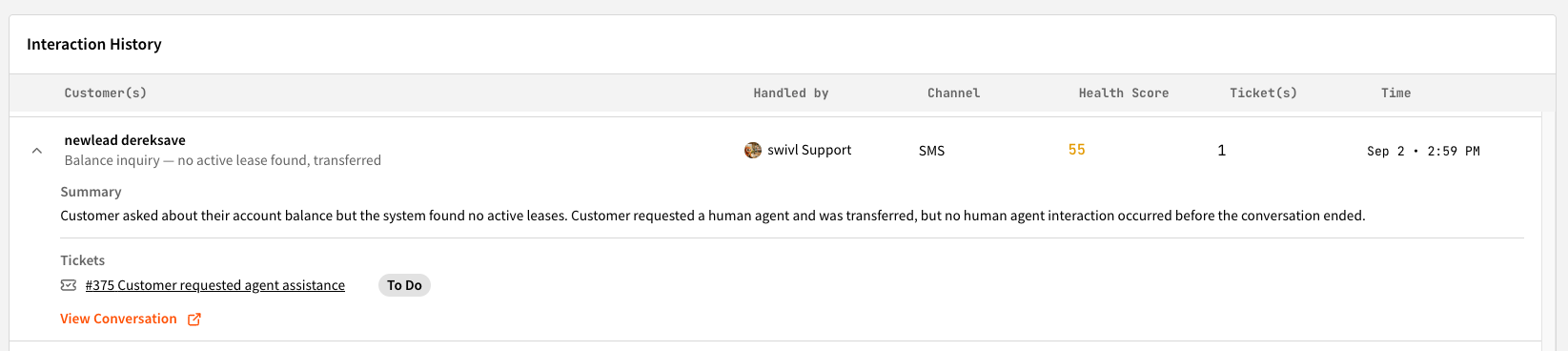
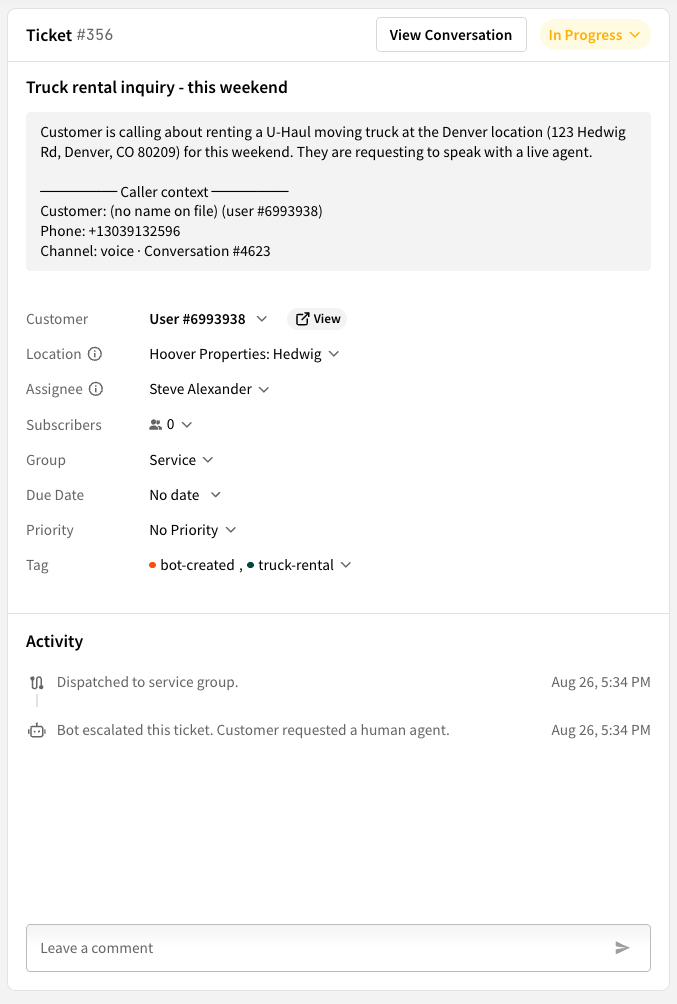
Every conversation that needs a human follow-up becomes a structured ticket, automatically. When a tenant reports a maintenance issue, a bot that couldn't get them what they needed, or anything else that requires staff attention, swivl reads the transcript and drafts the ticket for you - title, description, tags, and customer linked. Your team claims it from a shared group inbox, works it, and closes it. You can also forward any email to your swivl ticket address and it lands in the queue the same way. Nothing gets lost in a text thread or a voicemail.
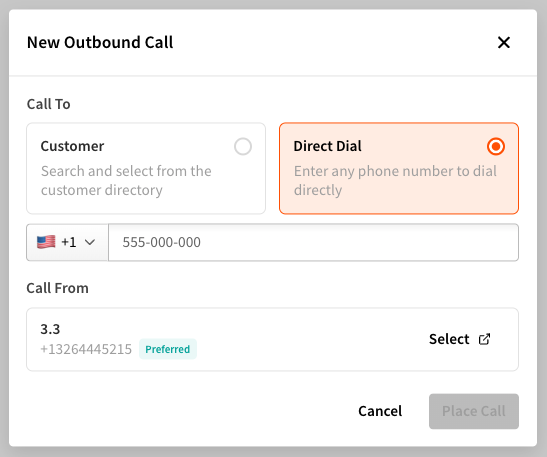
Call any lead or tenant directly from swivl - no switching to a separate phone or dialing manually. Select a contact from your conversations or type in a number, and the call goes out through the platform. Every outbound call is logged alongside the rest of that tenant's history, so your team always has the full picture.
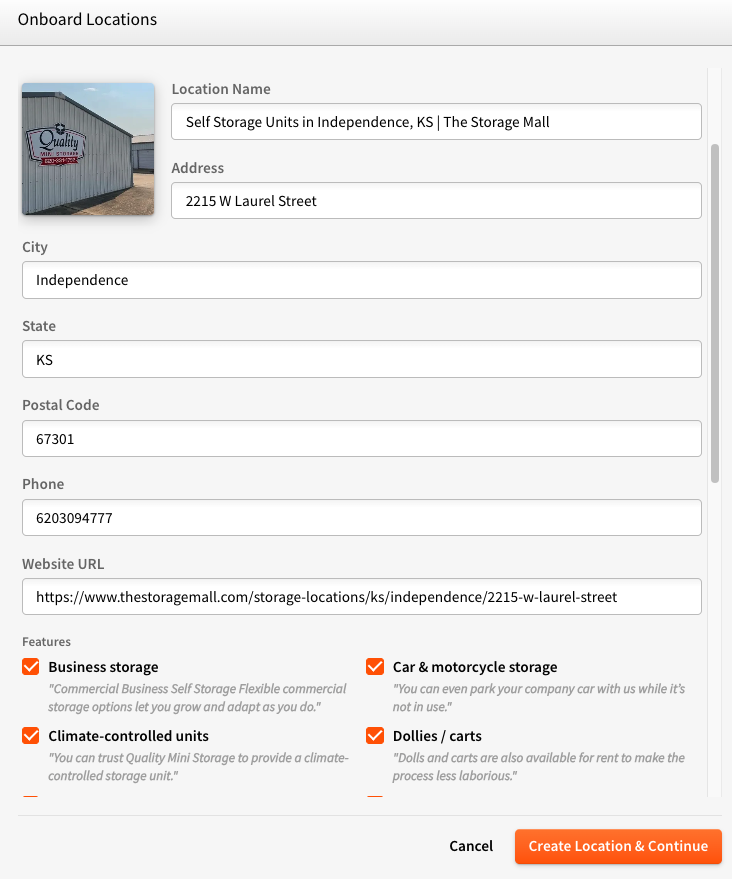
Getting a new location set up in swivl used to require manual data entry. Now you can point swivl at any website and it will pull the relevant information automatically - facility name, location details, policy language, whatever's there. A faster way to get a location live and keep the bot's knowledge current as things change.
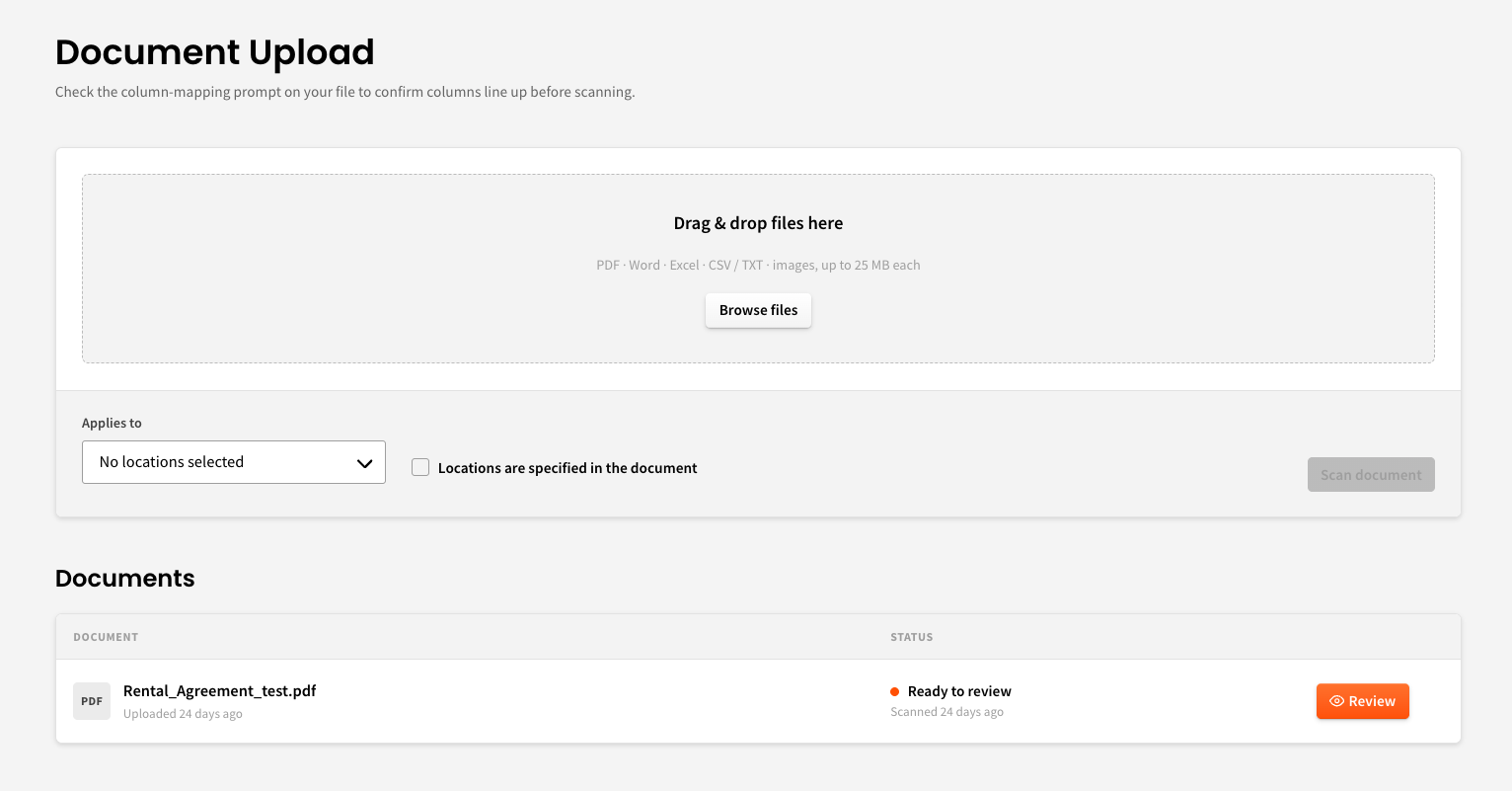
Have a lease agreement, a policy document, or a custom FAQ you want the bot to reference? Upload it directly into swivl and the Voice agent and chatbot will use that information when tenants ask questions. Your documents become part of what swivl knows - no re-keying, no rebuilding from scratch.
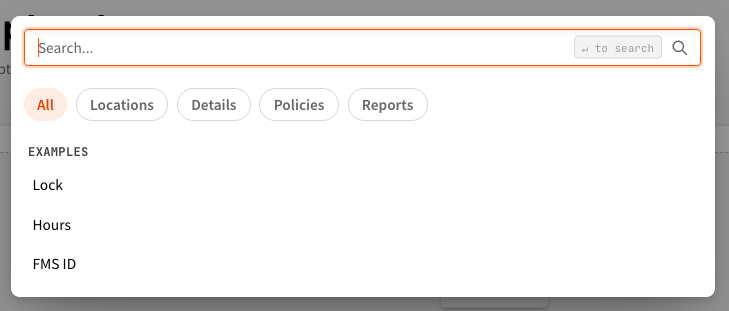
Find any setting, policy, or configuration in swivl instantly. No more clicking through menus to track something down - type what you're looking for and it surfaces immediately.